Password manager vs. single sign-on: finding the right solution
The advantages and disadvantages of the two tools in terms of secure login processes and ease of use

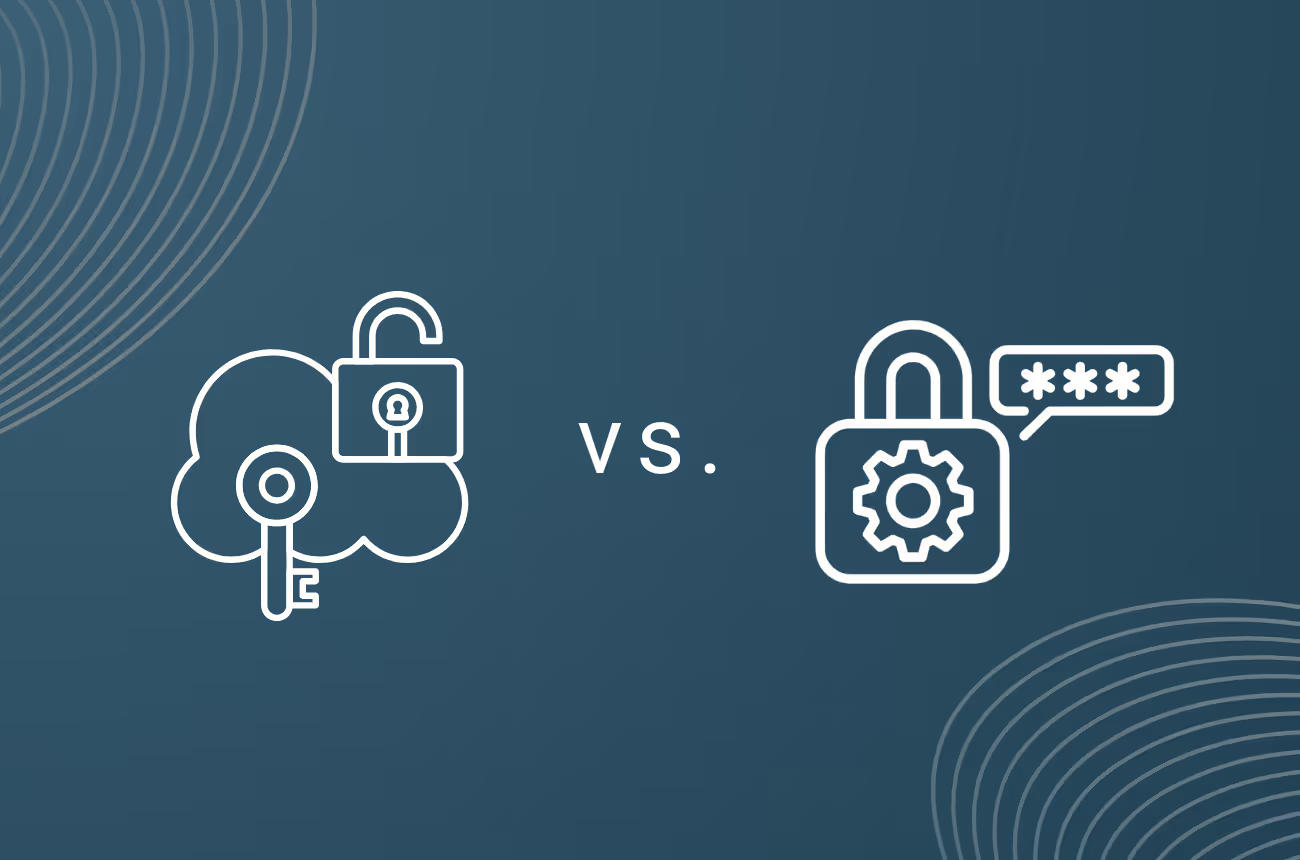

In the digital world, data security and cybersecurity are more important than ever. The increasing number of cyber attacks makes it essential to protect private and business online identities. One of the most important measures here is to use secure passwords. However, it is often difficult to remember many different passwords and change them regularly. In addition, from the perspective of companies, it is hardly possible to check and guarantee the password security of all employees. To ensure that secure and different passwords are used, there are various tools on the market, in particular password managers and single sign-on solutions. In the following, we look at these solutions in detail and show which choice is the best to ensure secure login processes.
How, benefits, and challenges of using a password manager tool
Password managers are digital tools that enable users to store all passwords in a secure location. The way a password manager works is relatively simple, the user simply has to set a master password for the manager and add all other passwords for the various accounts and applications that he needs in everyday working life. He can then log in to all his applications using the different saved passwords without having to remember the password each time.
Password managers are a handy tool and offer a number of benefits for users:
• Higher security of passwords: Using strong and unique passwords for all accounts and applications is an important part of cybersecurity. With a password manager, it is possible to ensure that all passwords meet certain criteria and prevent employees from using simple passwords multiple times for reasons of complexity.
• Time savings & ease of use: The user no longer has to remember and type in each password individually. There is also a central point of contact to manage all of your passwords. Passwords can be added, changed, or deleted quickly and easily.
Despite all these advantages, there are of course also some disadvantages that should be considered when considering the (sole) use of a password manager (as security) for companies:
• Inadequate security: Despite a fundamentally increasing level of security through unique and secure passwords instead of insecure and shared passwords, a simple login via username and password is no longer sufficient. Passwords without additional multi-factor authentication remain a risky vulnerability — additional MFA for each login can be set up individually, but then revises any usability benefits through increased complexity.
• Lack of transparency: Companies can set up a password manager for their employees and instruct them to use it for all necessary applications. Some enterprise providers also allow you to set password policies and monitor password management. Nonetheless, a simple password manager is not enough to monitor employee behavior and security-related activities.
• Vulnerability to phishing: Employees manage their passwords individually via the password manager, there is still an increased risk of successful phishing attempts. If employees maintain a large number of accounts and have to update their passwords regularly for security reasons, they can quickly fall for targeted fake emails, which, for example, falsely impersonate password update reminders with a direct link from an application.
• Dependence on a single provider: The user must rely on the password manager provider to have access to all their passwords. In addition, as with any technology, there is always a certain risk with password managers. It's important to carefully check whether a particular vendor is secure and whether they regularly provide security updates.
How, benefits, and challenges of using a single sign-on (SSO) solution
Single sign-on (SSO) solutions are authentication services that allow users to log in to multiple applications with a single account. The way SSO works is designed for maximum ease of use and security. The user or employee only needs to register once or be created by IT and create a password to gain access to all applications that are part of the SSO system. This login is then valid for every application that employees need in everyday working life and is part of the SSO system, without the user having to enter a new password each time.
The use of an SSO solution as part of the cybersecurity strategy offers a variety of benefits for companies:
• Secure login processes: Since the user only has to use one password to access several applications, a highly secure password can be selected here according to predefined security criteria. SSO solutions often offer integrated multi-factor authentication, which can be required by the company and, depending on the procedure, offers maximum security of the login process.
• Ease of use: Employees only need one, secure login for all applications instead of a multitude of logins. As a result, you can work more efficiently and have a better user experience overall.
• Centralized management: SSO enables companies to centrally manage and monitor all employee logins. This means that all necessary access authorizations can be set up, recorded and changed in one place. In addition, responsibility for access management was formerly handed over to the administrative department via multiple passwords — employees are thus relieved and less susceptible to phishing attempts that simulate password changes or the like.
• Transparency and control: The central user interface also provides a better overview of all employees, applications, access rights and login activities. In addition, abnormalities, such as an increased number of failed login attempts, as an indication of a potentially attempted password cracking, are immediately identified and can be averted with necessary measures.
Despite all these advantages, there are also concerns when using an SSO solution that can contradict this:
• Dependence on a single provider: Companies fear that they will become too dependent on a single provider for all login processes. Setting up with all applications and access rights also requires time and there is a concern that there is too much effort involved in a potentially desired change of provider.
• integration: To take advantage of the benefits of SSO, the required applications must first be connected to the SSO service. With a large number of applications, this initially appears to be an enormous amount of effort, plus the creation of the complete user directory, including roles and rights structure.
• costs: There are various providers on the market with very different cost structures. Depending on the provider, the pricing models are sometimes unsustainable, especially for small and medium-sized companies, in order to introduce such a solution.
The right SSO solution
The concerns about using a single sign-on solution can be resolved with the right provider. Our cloud SSO solution Bare.ID uses the established open source IAM framework Keycloak at its core, which means that there is no vendor lock-in and you can switch to another provider at any time without having to set everything up again. In addition, the solution is highly available thanks to georedundant hosting and developed according to the highest compliance and security standards, so that the security of customer data is always guaranteed. The Bare.ID tariffs, which all guarantee the highest compliance and security standards as well as integrated highly secure multi-factor authentication as a proactive measure to protect against successful cyber attacks, are still affordable for SMEs as well. It is also important to calculate what costs and reputation damage the consequences of successful cyber attacks would entail — an investment in cybersecurity therefore pays off in the long term. Since Bare.ID is a SaaS solution, integration and setup are simple and user-friendly and, once set up, requires no more effort for companies. In addition, all necessary applications are already available preconfigured and can be set up with just a few clicks.
Both solutions are a good step in the right direction
In summary, both password managers and single sign-on solutions improve login security, as both options offer better protection against uncontrolled and insecure passwords. However, while password managers are seen more as a useful tool for increasing usability, single sign-on solutions with integrated multi-factor authentication offer greater security and transparency and are an important part of a strong cybersecurity strategy. In addition, single sign-on solutions are the more sustainable alternative when it comes to passwordless authentication via multi-factor cryptographic authentication. When it comes to protecting sensitive data and complying with legal regulations, companies should definitely consider investing in a reliable single sign-on solution, such as Bare.ID, in the long term.
Contact the Press Team

Lea Stahl
marketing@bare.id